 WhereTo
Choose as two, on two phones
Send the plan to your partner; you each vote, and when you both say “Yes”, it’s decided.
The WhereTo app
Ideas for both of you in Bucharest, three options that fit, a vote from each phone and reminders when it matters. Same account and plans as on the website.
Scan with your phone's camera: this page opens with the right steps for iPhone or Android.
The App Store app is being prepared. Until then the web app works the same way, with notifications (iOS 16.4+):
Beta Version 1.0.0 (build 5) · 4.4 MB · 29 October 2026 · signed by WhereTo. SHA-256: f8577fd963c8be7e…
Or, without a download, the web app:
In Chrome: the ⋮ menu → “Install app” or “Add to Home screen”.
Send the plan to your partner; you each vote, and when you both say “Yes”, it’s decided.
Shows with a date and time, places with verified hours. What we’re unsure of, we say.
A day before, for tickets or afterwards: in the app, by email or as a notification.
Plans, places and events you get in a chat open right here.
Recently opened plans and places stay on your phone, with when they were last updated.
Accounts are optional. Delete yours anytime, right in the app.
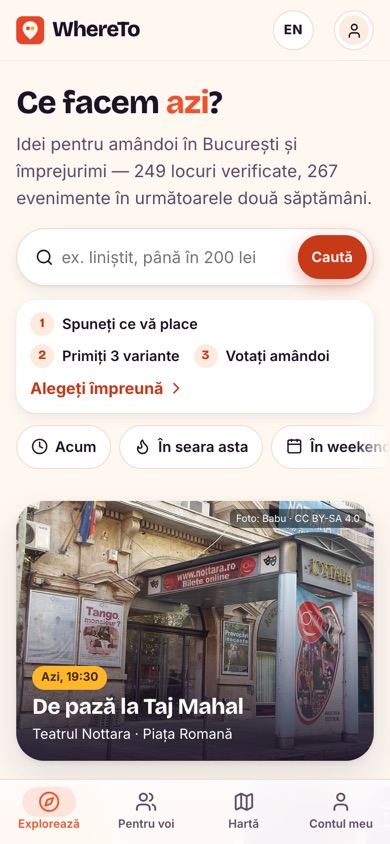
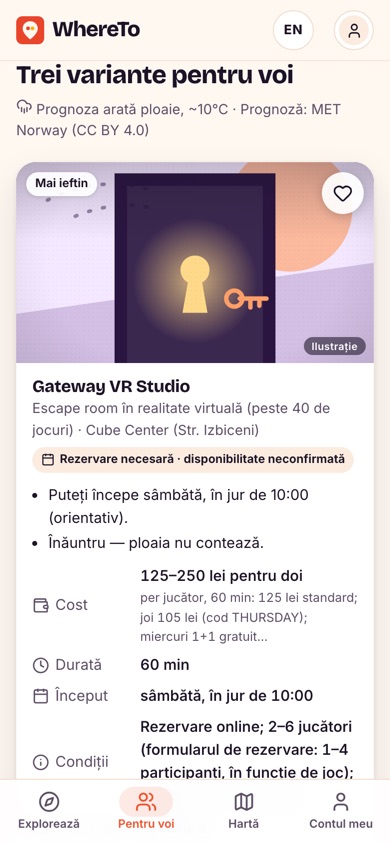
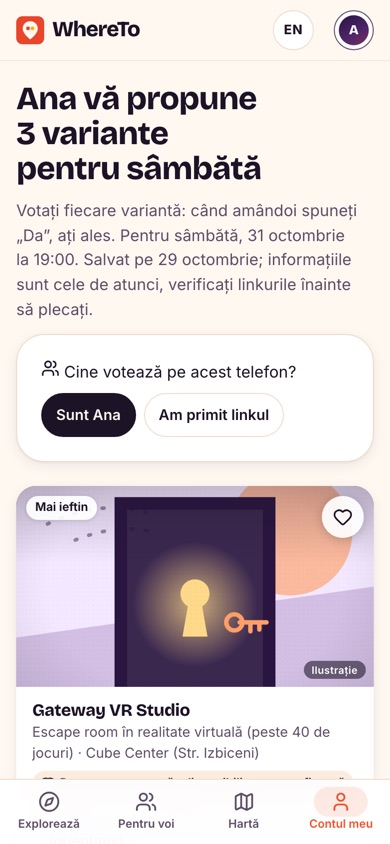
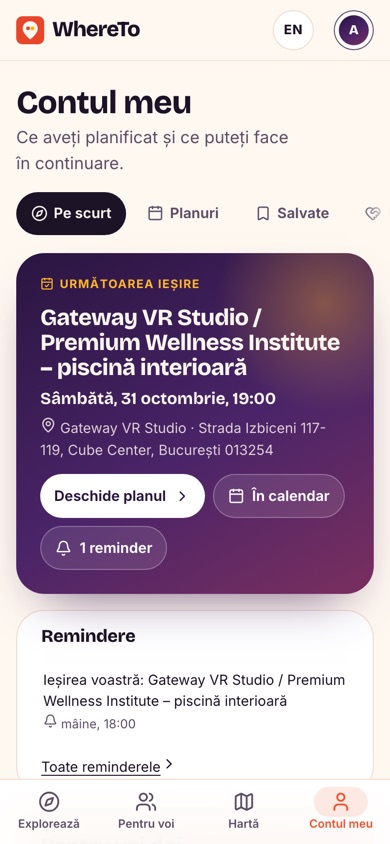
Real captures from the app, with real data.
Nothing. No subscription, no ads, no paid placements in the top three options.
We’re preparing them. On Android you can install the app straight from here; on iPhone the home-screen web app does the same things, notifications included (iOS 16.4+).
It’s signed with the WhereTo key, and the file’s SHA-256 fingerprint is shown next to the button. Android asks once to allow installs from your browser. The app doesn’t ask for contacts, photos or the microphone.
No. Explore, choose and vote without one. With an account (passkey, Google, Facebook or an email link), your plans and saves follow you to every device.
Most arrive by themselves, because the app shows the live site. When a new native version is out, the app tells you.
Install the app or start right on the website.