 WhereTo
WhereToNights out for two · Bucharest
Get the app.
Go out more.
Three options for you both, a vote from each phone, reminders at the right moment.
Download for AndroidAPK · 4.4 MB · v1.0.0
- 1Tap the button and wait a few seconds.
- 2Open the downloaded file (from the notification or Downloads).
- 3If Android asks, allow installs from your browser. Just once.
No download: in Chrome, the ⋮ menu → “Install app”.
App Store: coming soon
Until then, put WhereTo on your Home Screen. It looks and works like an app, notifications included (iOS 16.4+).
- 1Open whereto.purceas.com in Safari.
- 2Tap Share
- 3Choose “Add to Home Screen”, then “Add”.
Scan with your phone's camera. This page opens with the right button for Android or iPhone.
Or download the APK here (4.4 MB)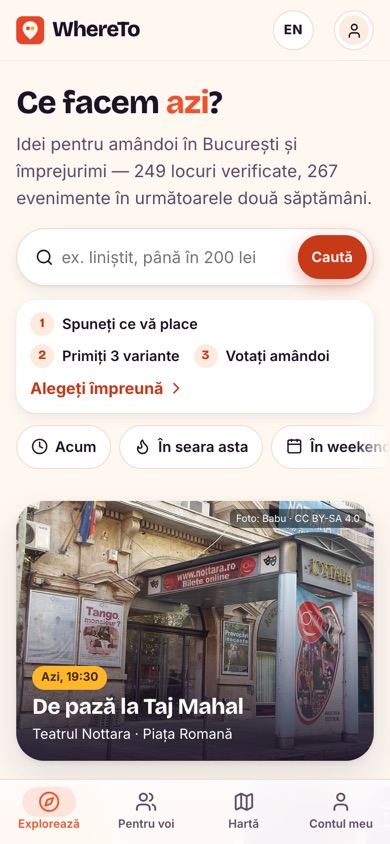
0 leifree, no subscription
0ads and trackers
3options that fit you both
4.4 MBon Android
About the file
- Version
- 1.0.0 (build 5) · Beta
- Published
- 29 October 2026
- Size
- 4.4 MB
- Signed by
- WhereTo
- SHA-256
f8577fd963c8be7e0830c23ede04d43766cf62edb6230b357a9a1097a0e47e16
The app doesn't ask for contacts, photos or the microphone. Notifications and location are asked for only when you use them.